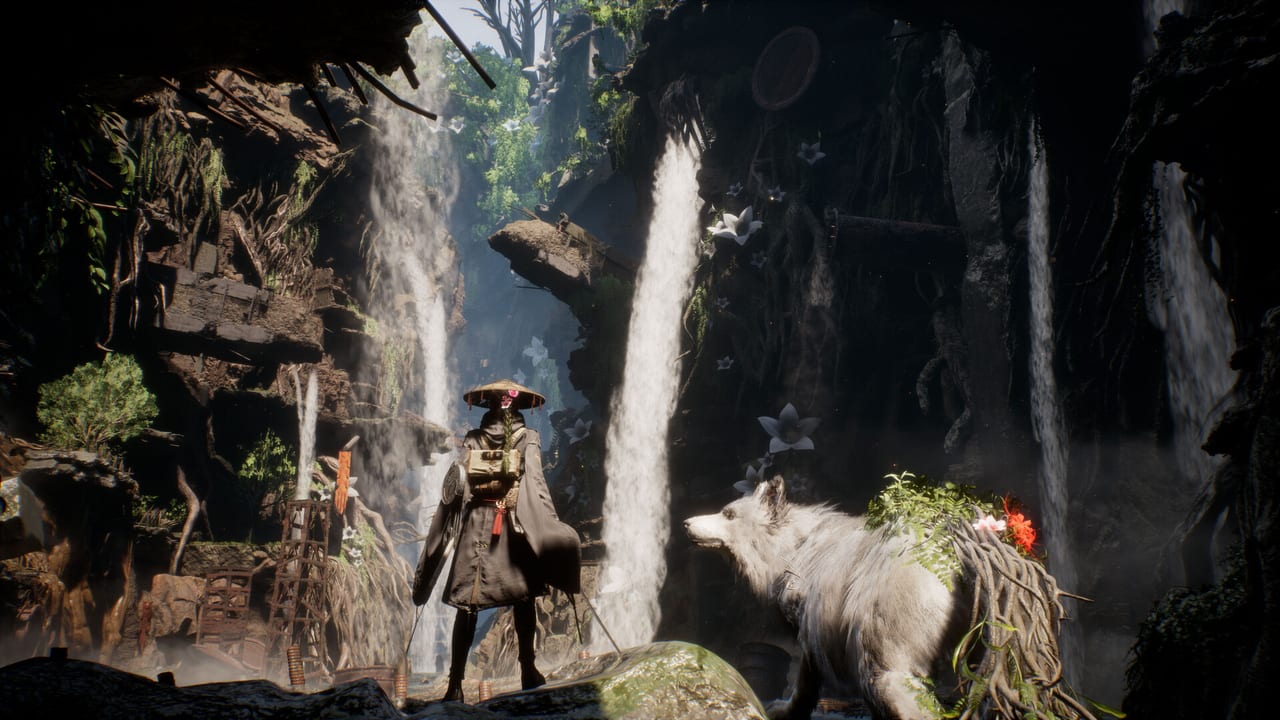
Beast of Reincarnation Tools
System requirements, difficulty comparisons, and practical setup references for launch week on PS5, Xbox Series, and PC.
This tools hub collects reference pages that help you configure Beast of Reincarnation before long sessions—not walkthrough spoilers, but the specs, settings, and difficulty facts you need on day one. Beast of Reincarnation launched August 4, 2026 as a single-player action RPG on PlayStation 5, Xbox Series X|S, PC via Steam, and Xbox Game Pass. Whether you are installing from Steam app 2001760 or downloading through Game Pass, the same Emma-and-Koo combat systems apply; only hardware limits and difficulty tuning change your experience.
System Requirements
PC players should read System Requirements first. The official Steam listing specifies Windows 10 or 11, 16 GB RAM at both minimum and recommended tiers, DirectX 12, and a mandatory 45 GB SSD install. Minimum GPU targets are a GTX 1070 8 GB or RX 580 8 GB; recommended cards include the RTX 3060 12 GB or RX 6700 XT 12 GB. Performance notes on the store page assume DLSS or FSR upscaling is enabled, so budget builds should plan for Performance-mode scaling rather than native 4K.
Console owners on PS5 and Xbox Series X|S do not manage granular settings the same way, but the system requirements page still documents frame-rate expectations, storage footprints, and Game Pass install notes so you can compare platforms before buying.
Difficulty Guide
Beast of Reincarnation ships with Story, Normal, and Hard modes. Story widens Just Guard windows and reduces enemy pressure for players who want the narrative without frame-perfect parries. Normal is the baseline experience Game Freak tuned around FP economy and Nushi boss cycles. Hard increases enemy damage and pattern discipline for veterans who already mastered How to Parry and Koo Bloom Art timing.
The dedicated Difficulty Guide compares all three modes side by side, including parry forgiveness, enemy scaling, and recommendations for first-time versus returning action RPG players. Trophies and achievements are not gated behind Hard, so you can adjust approach without losing completion progress.
Trophies and New Game Plus
Completionists should open Trophies and New Game Plus before finishing the story. PS5 ships 46 trophies with a Platinum that requires a full NG+ clear; Xbox and Steam track 45 achievements. No trophies lock to Hard mode, and post-credit free roam keeps collectibles unmissable, but Keeper Golem counts and some skills need the second run.
When to Use These Tools
Check system requirements before pre-loading or launch-night installs, especially on older GPUs that meet minimum specs only with upscaling. Read the difficulty guide before you create a save file or within the first hour, since Story and Normal teach the same mechanics with different timing margins. If you are on Game Pass, confirm you have enough SSD space and that your subscription tier includes PC or console access as described in Release and Platforms and Editions and Game Pass.
Related Wiki Sections
Tools complement gameplay guides rather than replace them. After your setup is sorted, move to How to Play for combat fundamentals, Controls for input mappings, and Review if you want a launch verdict before committing hours. Updates and Patch Notes track post-launch changes that may adjust performance or balance.
Quick Reference
| Topic | Page |
|---|---|
| PC and console specs | System Requirements |
| Story vs Normal vs Hard | Difficulty Guide |
| Platinum and NG+ | Trophies and New Game Plus |
| Launch timing and Game Pass | Release and Platforms |
| Combat basics | How to Play |
Keep this hub bookmarked when friends ask whether their laptop can run the game, which difficulty matches their skill level, or how many playthroughs Platinum needs. We update these reference pages when official patches change specs or mode descriptions.
Frequently Asked Questions
Quick answers to the most common questions.
Do I need an SSD for Beast of Reincarnation on PC?
Yes. Steam lists a 45 GB SSD as required for both minimum and recommended specs. HDD installs are not supported according to the official PC requirements.
Which tool page should I read first?
PC players start with System Requirements. All players should read the Difficulty Guide before choosing Story, Normal, or Hard for a new save.
Does Game Pass change system requirements?
No. Game Pass uses the same PC and console builds as purchased copies. You still need qualifying hardware and storage; subscription only affects how you access the install.
Can I switch difficulty after starting?
The Difficulty Guide covers mode differences so you can pick confidently at launch. Check in-game options for any patch-added difficulty toggles after day-one updates.
Where are performance patch notes posted?
Major spec or performance changes appear in Updates once developers publish them. This tools hub links to Release and Platforms for launch-day baseline information.